
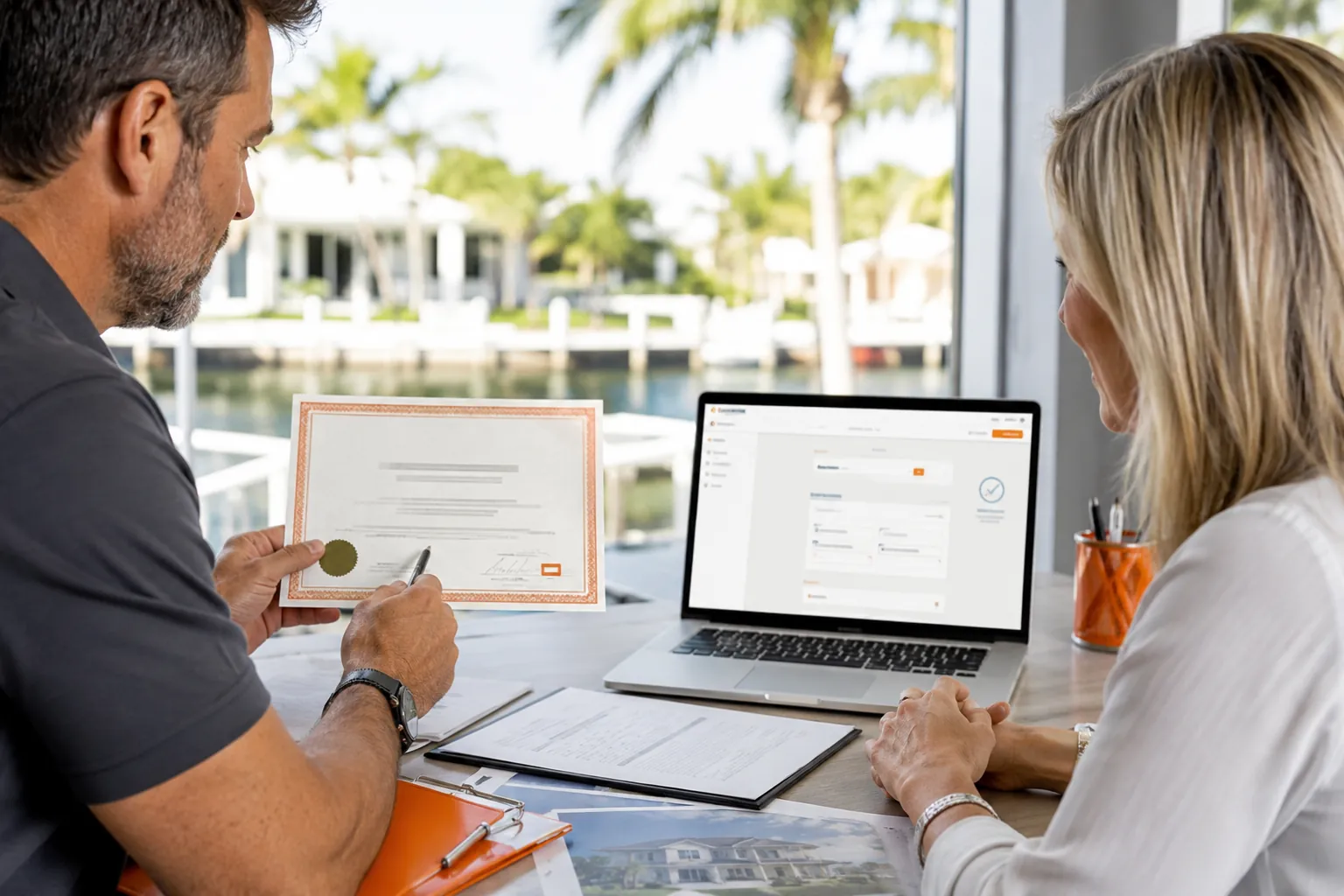
Verify a Florida contractor through the state licensing database, confirm that the business name matches the proposal, review the license status and complaints, and ask the local building department whether a city or county registration is also required.
Key takeaways
- Match the license holder to the contract
- Confirm the license is active for the work
- Check insurance independently
- Save verification records before paying
Start with the exact legal identity
Ask for the contractor’s full business name and license number. Compare both with the estimate, contract, vehicle, website and payment instructions. Similar names are not enough; the legal entity performing the work should be clear.
Check the license classification and status
Confirm that the credential is current and covers the proposed work. A license for one trade does not automatically authorize unrelated structural, roofing, plumbing or electrical work.
Complete the local checks
Contact the permitting authority for the project address, verify insurance with the issuing agent and review recent references for comparable projects. Directory inclusion should be treated as a starting point, not a substitute for independent verification.
Frequently asked questions
Is a business tax receipt the same as a contractor license?
No. A business tax receipt permits business activity in a jurisdiction but does not by itself establish professional construction licensing.
Should the license name match my contract?
Yes. Material differences should be explained and resolved before signing or paying a deposit.